
 Our job at Family Cookbook Project is to make the process of creating your own personal cookbook as easy as possible for you, our editors.
That’s why we recently added the new “How-To” section of FamilyCookbookProject.com with step-by-step directions to some of your most common requests. You’ll find it the second option in the black navigation bar along the top of every page of the site.
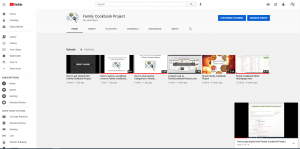
However we also know that seeing can be easier to understand that reading. That is why we have started the new Family Cookbook Project YouTube Channel.
We have started creating a series of video walk throughs to help you see how some of the tools are used in FamilyCookbookProject.com. Here are the first videos in the How To playlist:
- How to get started – This tutorial walks you through the steps needed to create your FamilyCookbookProject.com account and takes a quick look at your editors account.
- Editor Homepage Intro – Take an introductory video tour of the family Cookbook Project editor’s homepage and see all of the options available to create your own personal cookbook.
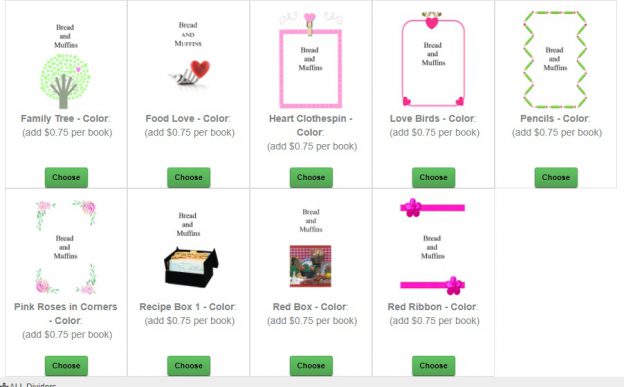
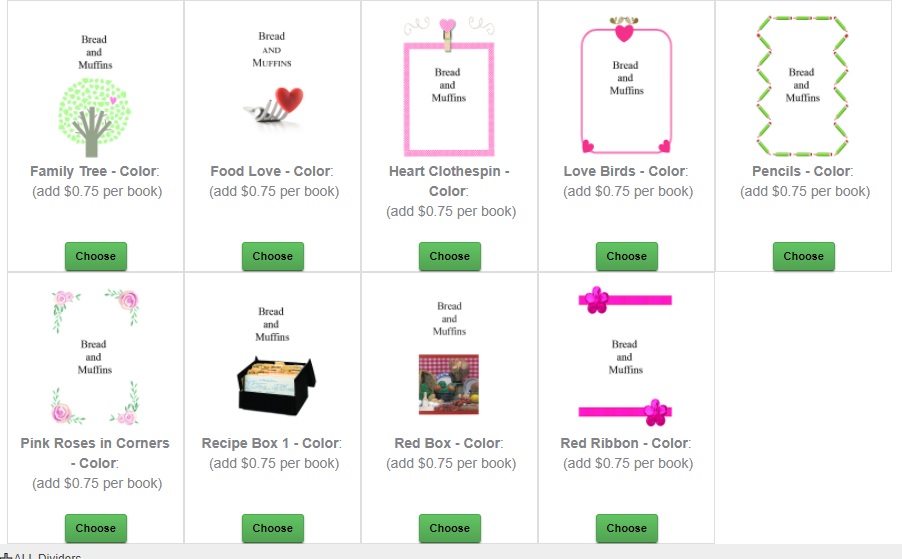
- How to select a cookbook cover – Family Cookbook Project has an entire library of professionally designed cookbook covers that you can use on your custom cookbook. This tutorial show you have to select the cover that is right for you. Future tutorials will cover how to create a custom cover for your personal cookbook.
- How To Use Custom Categories – Custom Categories allow Family Cookbook Project editors to change the default recipe categories in their cookbook to be personalized for their needs. It offers the flexibility to create your own custom recipe book the way you want it to appear.
In addition to the How To videos, we also have a Features and Benefits Playlist which will show videos we use to promote FamilyCookbookProject.com and show why creating a custom recipe books is a great idea. Here are the first videos in the Features and Benefits playlist:
- A Quick Look at FamilyCookbookProject.com – Here is a quick look at our website.
- About Family Cookbook Project – This is a brief video overview of how Family Cookbook Project was started and how it works.
- Social Media Video Intro – This is a short video we used on social media to introduce Family Cookbook Project to new users.
Please let us know how you like these videos and what topics you’d like to see covered. Also you can help us by subscribing to the FamilyCookbookProject.com YouTube Channel and have any new videos delivered directly to your video feed.
Bill Rice is founder and Co-Publisher of the Great Family Cookbook Project, a website that helps families and individuals collect and share food memories through customized printed cookbooks filled with treasured recipes. Follow us on Facebook and Pinterest!


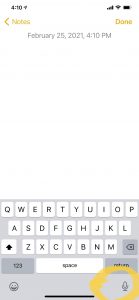 Mobile phones – If you use an iPhone, simply open up your notes application and create a new note. Next, look at the bottom right corner of your pop-up keyboard. You’ll see a little microphone. Click on this and you can start talking and the software in the phone will change your words into written text.

 So your recipes are all entered, your cookbook cover is selected and you have a great recipe layout. So what else do you need to do before sending your cookbook to print?
 Next it is time to review the recipes. Go to view recipes by table of contents and select the first category. Check you recipes for:
 Next, it is time to look at the overall layout of your cookbook. Start by generating a proof by clicking on the link to “Preview cookbook” in the black navigation bar in your editor account. You can review it online in your browser and the pages will be laid out just like a printed cookbook.

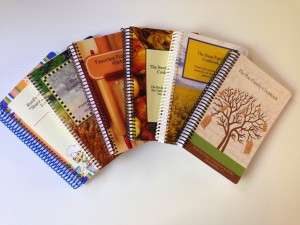





 Creating a printed personal cookbook on
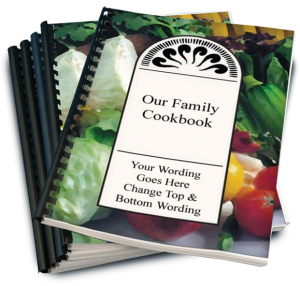 Giving the gift of a beautiful personalized family cookbook is something that many, many of our cookbook editors are looking forward this holiday season. As such, this is by far the busiest time for printing your cookbook.