
Recipes by default are put in shortest to longest for best fit. You can sort alphabetically, too. Go to Editor…
Category: Editor Tips
Family Cookbook Project Smart Help Tool Makes Cookbook Creation Easier
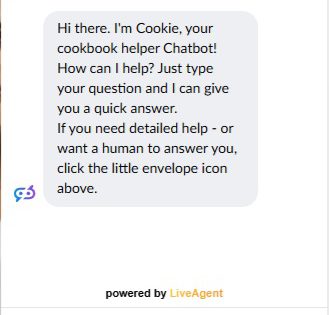
Family Cookbook Project prides itself on being responsive to its customers needs. We are constantly updating our systems based on…
How to Collect Recipes from Family Members for a Family Cookbook

Collecting recipes from multiple family members is one of the most important steps in creating a family cookbook. The best…
Pro Tip: Space Saving Options To Lower Printing Cost

When it comes to printing your family cookbook, page count is the largest determining factor on what the cost per…
Organizing Your Recipes in Your Family Cookbook
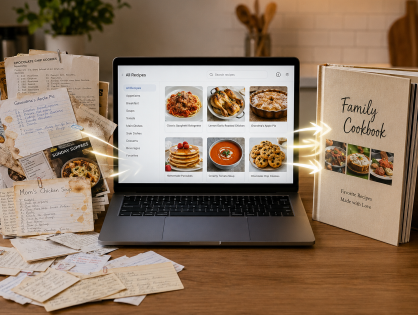
Over the past 22 years, Family Cookbook Project has updated itself where to meet the needs of our editors. One…
Pro Tip: Photos That Work In A Cookbook
Photos are an important part of family cookbooks. Here are some specifications that must be adhered to if your photo…
How to Add New Recipes to Your Printed Family Cookbook: The Second Edition Guide
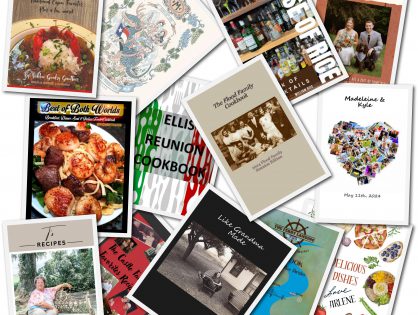
Once your family has successfully created its first custom cookbook, you might think the project is complete. But if you’re…
Cookbook Creation: Finding the Right Size and Cover for Your Custom Project
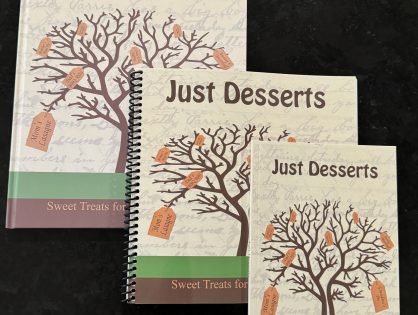
Creating a custom cookbook is an exciting and rewarding experience. Whether you’re preserving family recipes, raising funds for an organization,…
6 Secrets to Creating the Perfect Family Cookbook

Creating the perfect family cookbook can be a fun and rewarding experience for everyone involved. Not only will it provide…
How to Price Your Cookbook for Profit: Tips and Tricks

Creating a cookbook is a labor of love, but if you’re planning to sell your custom cookbook, figuring out how…