
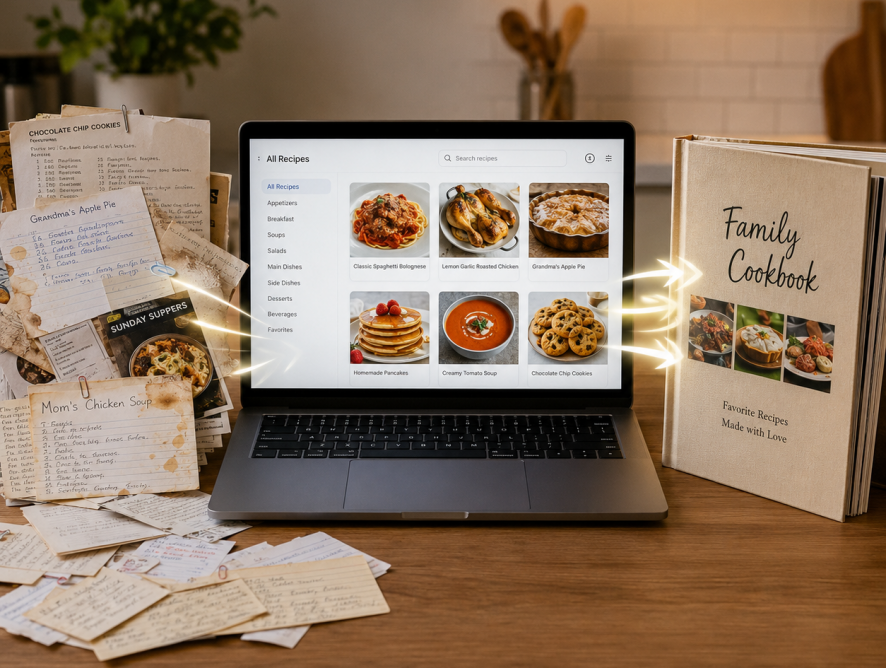
Over the past 22 years, Family Cookbook Project has updated itself where to meet the needs of our editors. One of the things that we have done is make it easy to organize your recipes as much as you’d like. This blog post will go over some of the ways you can organize how your recipes appear in your personal cookbook.
Recipe categories
Recipe category are general classifications that allow like recipes to be placed together for when you know you’re looking for pages are in only want to see dessert recipes. Here are some of your options for categories in the Family Cookbook Project:
Default categories – when you first start your cookbook, these are the categories that are assigned to every cookbook. They are well thought out I can cover just about every type a recipe you may want to add to your cookbook.
Custom categories – whether you want to add just a single new category or completely redo the categories to best meet your needs, you can use the custom category tool to accomplish this.
Subcategories – One of the newer additions to the software is the ability to add subcategories to your cat. This allows you to group recipes of a specific category under the main category. For example in the default category appetizers and beverages, you may want to create a subcategory for appetizers and a sub category for beverages. That way each type of recipe appears with like recipes.
Recipe sorting
Recipe sorting determines in which order the recipes appear within a category. Here are your options for recipe sorting:
Shortest to longest – this is the default sorting option. It places the shortest recipes upfront so more recipes can appear on a single page. Usually it is the most cost-effective way to organize your recipes.
Alphabetical – this is a very popular way to sort your recipes. The titles are organized alphabetically so that As come before the Bs and so on. The drawback to this is not every recipe has a title that you can tell what it is.
Custom Sort – One of the coolest additions to the software is the ability to sort your recipes anywhere you want. This tool will show you a list of all your recipes and you can move them to the location and it makes sense to you.
How you sort your recipes is completely up to you. Family Cookbook Project just wants to make sure you have the tools you need to create the perfect personalized cookbook.
Bill Rice is Co-Publisher of the Great Family Cookbook Project, a website that helps families and individuals collect, preserve and share food memories by creating their own printed personal cookbooks. He is the author of The Wellfleet Oyster Cookbook (Available on Amazon) and the Cape Cod Cocktail Cookbook, both created using FamilyCookbookProject.com. He is also editor of the Donovan Family Cookbook, now it’s third printing.
Follow Family Cookbook Project on Facebook, Instagram and Pinterest!