Category: kindle cookbook

  • Family Cookbook Project Now offers WW SmartPoints on recipes

    Family Cookbook Project, an online leader in the creation of personalized printed cookbooks, has added the ability to include WW SmartPoints® on recipes being added to a user’s collection of recipes.

    WW (formerly Weight Watchers) SmartPoints* is a system where every food and drink is assigned a point value, and you receive a certain number of SmartPoints to allocate however you’d like every day and week. SmartPoints is designed to help guide you to a healthier pattern of eating every day.

    “Living a health lifestyle and eating right is what WW SmartPoints are all about,” says Bill Rice, Founder and Co-Publisher of the Family Cookbook Project. “Family Cookbook Project has added a field to It’s easy-to-use Add a Recipe form so that users participating in the Weight Watchers program can have an easy way to include the SmartPoint value when adding a recipe to their online recipe box. These recipes can them be printed into a personalized cookbook including all of their favorite recipes.”

    WW’s science-based SmartPoints system assigns every food a number based on four components: calories, saturated fat, sugar, and protein. The higher the number, the more sugar and saturated fat the food will have. The lower the number, the less it will have. The reason for this is that numerous studies have confirmed the benefits of eating less sugar and saturated fat, and more protein—not just for weight loss, but all sorts of other healthy reasons too.

    Family Cookbook Project editors can turn on WW SmartPoints® by going to the Recipe Center and clicking on the link “WW Smartpoints Use/Show”. There are two settings: one for allowing contributors to add WW SmartPoints® to a recipe and another to include SmartPoints in the printed edition of the cookbook.

    In addition, Family Cookbook Project is developing a simple to use calculator that will calculate the SmartPoint value of a food simply by entering information from a food’s packaging. We expect this to be introduced early next year.

    With over 4.6 million users, WW is the most trusted source of weight loss guidance in the world. Family Cookbook Project believes their success is based on meeting the ever-changing needs of our valued customers. “This is just one more example how Family Cookbook Project is putting our customers first,” added Rice.


    *WW SmartPoints is a trademark of WW International, Inc. and are not associated with Family Cookbook Project, LLC.
  • Make your own eCookbooks

    Make your own eCookbooks


    iPad Cookbooks

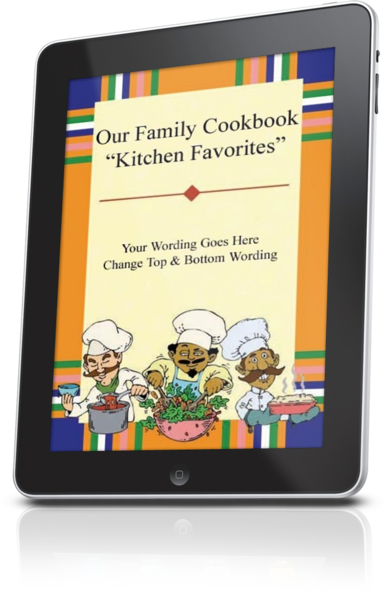
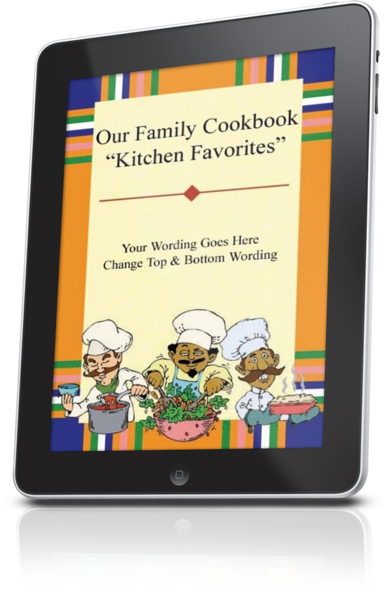
    Family Cookbook Project makes it easy for you to access your personalized cookbook or custom family cookbook on an iPad, iPhone, Kindle, Nook or any other eReader. You can have a digital recipe book for your very own.
    This is available to everyone who wants to create a family cookbook and opens an account on www.FamilyCookbookProject.com. Creating cookbooks has never been easier using our online cookbook software.
    Once you have entered your recipes, selected a cookbook cover (or created your own using a cookbook cover template), added photos of the food or family members you will be ready to publish your cookbook.
    Kindle Cookbook
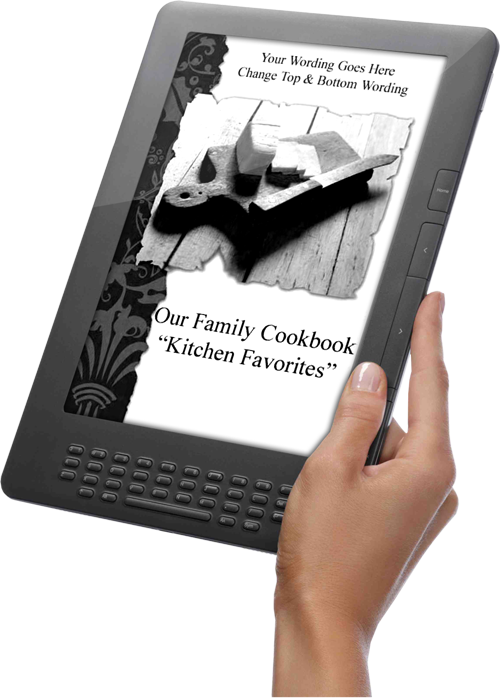
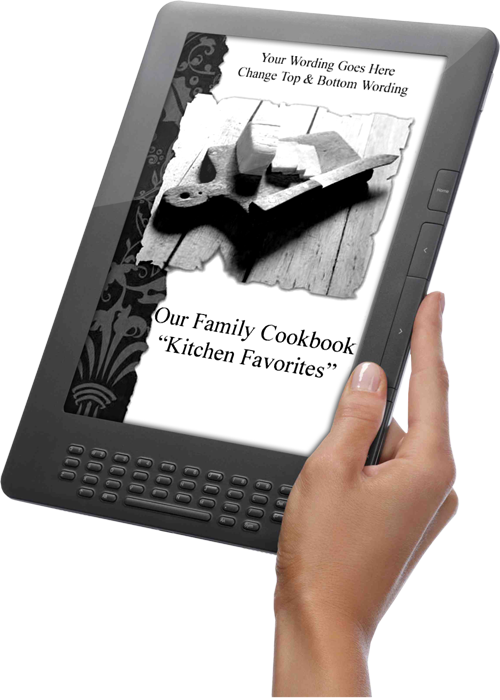
    To create an eCookbook, simply create a high Resolution PDF of your cookbook and save the file to your computer. This file is designed to adapt to the screen size of any eReader you may use. Many people use PDFs on their Kindle or Nook eReaders.
    If you want to convert your PDF to the widely accepted ePub format used by most readers, you can simply go to a website like Online-Convert.comand upload your cookbook PDF. In seconds, they will convert the cookbook to ePub format at no additional cost.
    Family Cookbook Mobile App
    Family Cookbook App
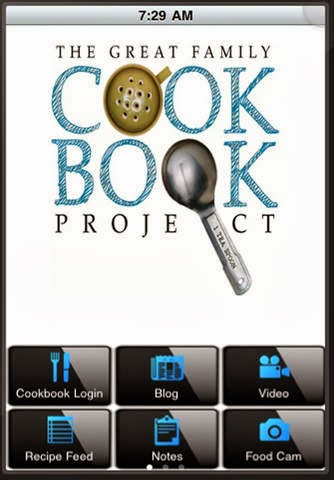
    Another way to access your family recipes on your mobile device is with the Family Cookbook Recipe App.
    The Family Cookbook Project online recipe box makes it easy for Family Cookbook Project users to browse and use their recipes in their mobile device. Tools include our blog at your fingertips, latest recipes from our recipe database, notes for in the kitchen, articles on how to create a recipe,  and cookbook making, a tip calculator and more! Users can enter their recipes at www.familycookbookproject.comand have access anywhere!
    The Family Cookbook Recipes was named the Best Publishing Mobile App in the Web Marketing Association’s 2013 MobileWebAward Competition.  
    Designed for use on the Apple iPhone or iPad, the free app can be downloaded at the iTunes App Store. 
    Designed for use on the Android mobile devices, the free app can be downloaded at the Google Play Store.

    Bill Rice is Co-Publisher of the Great Family Cookbook Project, a website that helps families and individuals collect and share food memories. Follow us on Facebook and Pinterest!

  • Personal Cookbook Software FREE!

    Personal Cookbook Software FREE!

    Exciting new announcement from our family site, FamilyCookbookProject.com – we are now offering our award winning cookbook software for FREE for personal use!  You can now sign up and use the system for free on your own personal cookbook of up to 50 recipes.  Most every tool is available to you – except the option to invite others to help out.  Choose covers, layout, etc. and print to your PC, a local printer or order from us – only 10 copies minimum.  Try today – or refer a friend!

    Another new exciting item you may not have thought about, but you can upload your whole cookbook PDF to your Kindle or iPad!  We even have an extra large font option for easy reading.  Try it!