Category: cookbook software

  • Thoughts From Our Family Cookbook Editors

    A few months ago, we asked our Family Cookbook Editors what they thought about our website, our software, our customer service and our cookbooks. 

    Here are some of the comments they wanted to share:


    “A few years ago, my family printed A Peek into the Parsons Pantry.  It has been my main source of recipes ever since!  I have loved it.  I love being able to put personal notes on each recipe.  I love that the index can be alphabetical by recipe title or by contributor, or it is also organized by category.  Such a great cookbook, and I love that everyone just enters their own recipes.  So easy!”
    Heather Byrd

    A Second Peek into the Parsons Pantry
    “I received this project as a gift from my son and have enjoyed sorting through the recipes to include specific items which the family will enjoy.”
    Caroline Smith

    The Smith Family Cookbook Project


    “I was thrilled once I entered this website to see how user friendly it was.  It had been a while since I had taken on such a big project and I was unsure of being able to tackle thinking the site would be foreign.  BUT it was not at all,  It has tutorials for help and customer service is extremely fast at helping you.  I love that you enter the ingredients and method are entered separate.  You can include your own pictures is what I did and it turned out beautiful  The cookbook has rounded edges which to me was just a wonderful added touch!!  The website said 3 -4 weeks for printed delivery and we had our books in 8 DAYS!!  I am from Canada and I am just thrilled with this website and would encourage anyone who may be thinking doing a cookbook to definitely choose this site.” 
    Karen Melnyk

    Sing from Heart.  Recipes with love, from Ruth.


    “It was much easier to get started than I thought it would be.  And much easier to get others interested in contributing.”
    Adrienne Castle

    Foothills’ Friends’ Favorites

    “I always wanted to put our family recipes in a cookbook and have tried several formats.  This was without a doubt the easiest way for us to get together with our thoughts and ideas.  The fact that we made it a story book as well put charm in the book that had friends and family smile and cry.”
    Charlotte  Ragsdale

    Ragsdale Family Cookbook
    “I love the Family Cookbook Project, what a great way to take those recipes from our friends and family and put them all in one place. I know as my Nana gets older lots of the Sunday dinner specials will become an old piece of paper that you can’t read, so I take those and save the memories for ever with Family Cookbook project! Thank you!”
    Amanda McGovern

    Cookies Recipes and Cookbook
    “I am very satisfied with this site. It’s fun and easy to use and we will be using it again!”
    Chantal  Lavigne
    Leevee De Fonds/Fundraiser CIBC Sutton

    “I used family cookbook project to put all my grandmother’s recipes in a book for all the grandkids and great grandkids. I was easy to use and very understanding. I plan on doing another one but with just my recipes. Thank you the great help you offer while working on the first cookbooks.”  
    Nancy McInelly

    GRANNY AND BOPPY’S COOKBOOK


    “This was a fun project, made much easier by Family Cookbook friendly website.  We did it as a family project to have our family favorites in one place and at the same time, raising money for our two favorite charities.  I hoped to sell 50 but wound up ordering over 300 and we have none left.  Now we are getting requests for a second printing and/or another cookbook!  We loved every step of creating our cookbook thanks to Family Cookbook Project!”
    Cheryl Doublin DeJulius

    Four Sisters, A Legacy of Love from our Kitchens
    “A fantastic way to collect and share family history through the tradition recipes we make and serve during the holidays!”
    Judy Desroches

    Family Recipes

    “So easy to use and a great Christmas gift, I wouldn’t hesitate to use the website again. I spent about an hour a night plugging in recipes but also spent a lot of time looking over the covers and inserts that you can choose. The site makes everything so easy for you and the fact that you can preview everything to see if you like the cover, inserts, fonts, etc. rather than either having to print it or be stuck with it is great. Changes can always be made. If you give it as a gift, the looks you get after it is opened are priceless.”
    Jim

    Family Favorites Cookbook


  • How much does a family cookbook cost?

    One of the most frequent questions asked by people wanting to create family cookbook is “How much will it cost”.

    There are two expenses you will incur to create your own personalized family cookbook. The first is the membership fee and the second is the actual printing of the cookbooks.

    The membership fee allows Family Cookbook Project to maintain it’s servers, maintain the software, hire designers to create new covers, and cover the other costs of doing business. We have tried to keep this fee as low as possible and allow it to be paid either monthly, annually or with a lifetime membership.

    The other cost of creating your personalized cookbook is the actual printing. There are three major aspects to your cookbook that will impact the cost of printing.

    The most significant is the page count. The more pages in your cookbook, the more it will cost to print. Raw materials, such as paper and ink play a factor here.

    The second consideration the use of color. Color inks cost more than black inks and that is why if you include more color in your cookbook, especially photos, we are required to charge extra.

    The final consideration is the number of books printed. Each cookbook must be set up on the press for printing. The cost of that set-up has to be distributed to each of the cookbooks printed. That is why the price per book when you order only five cookbooks is so much more than when you order 100.


    You will find the complete pricing for the use of the site at http://www.familycookbookproject.com/price_to_print_a_family_cookbook.asp
    You will also find a way to estimate the cost of your cookbook printing at the bottom of the page, however the actual cost will be determined by the number of pages contained in your cookbook when you send it to print.
    There are also ways an editor can lower the cost of printing. Check out our blog post Lowering the Cost Of Printing Your Cookbook for some ideas.

  • New Cookbook Covers Available

    New Cookbook Covers Available


    Family Cookbook Project is pleased to announce six new cookbook cover designs are available to our cookbook editors to use on their cookbooks. 
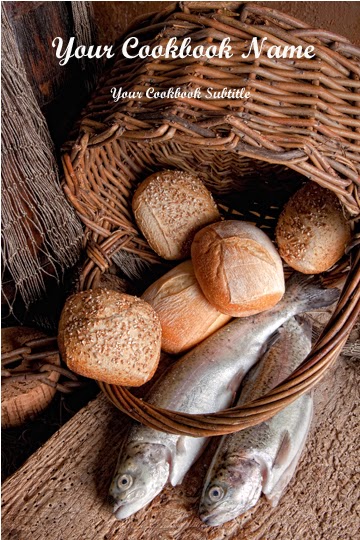
    Blessed Food: Loaves and Fishes in a basket is a nice cover to consider for a church cookbook.
    Champagne Toast: Here’s to love! Two Champagne glasses are very festive  and perfect for a wedding cookbook or bridal cookbook.
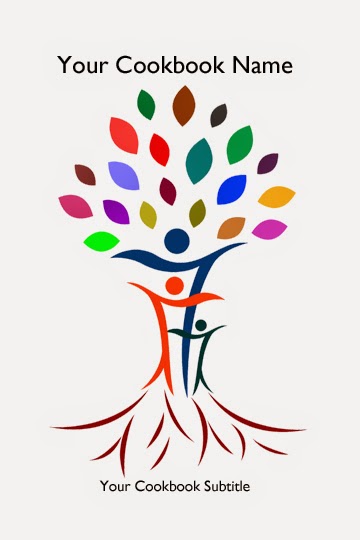
    Family Tree Abstract 1: Family tree covers are among our most popular. Here is an abstract family tree on yellow background.
    Family Tree Abstract 2: This is the same as Family Tree Abstract 1 except the family tree is on a white background 
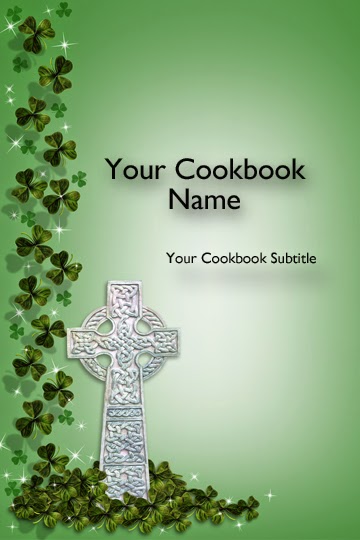
    Irish Dreamtime: This cover with Irish Cross with Clover was submitted by Cookbook Editor Misty Baker and we loved it so much, we asked if we can share it with other family cookbook project editors.
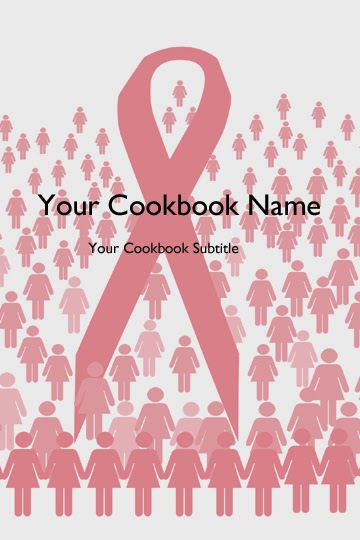
    Pink Ribbon March: Pink Ribbon for the cure! If you are creating a fundraising cookbook for breast cancer awareness, this might be the cover for you!

    Blessed Food
    Champagne Toast
    Family Tree Abstract
    Irish Dreamtime
    Pink Ribbon March

  • How to Create a Family Cookbook

    How to Create a Family Cookbook


    Creating a treasured family cookbook has never been easier.  The Great Family Cookbook Project was developed to make the process easy to understand and accomplish.

    Here is an overview on the simple steps required to create a personalize family cookbook.

    1)      Establish an editor – The editor is the person who is responsible for getting things started and making sure they keep moving ahead. This person is also responsible for defining the project in terms of who to invite to participate, which recipes to include and when to publish the book.  Every project needs a go getter to get things done.

      2)      Determine the size of the project and set a deadline – If you are interested in a printed cookbook, you need to set how many recipes to ask for from each person and when you want them submitted by.  We are all busy and tend to put off what we can.  By asking for a specific number of recipes by a specific date – say a month or so in the future, you can get people to act on your request.

    3)      Invite other family members to contribute recipes – While some editors like to do it themselves, getting other people involved distributes the work and provides recipes that you may not have in your recipe box. We have developed an easy to use invitation tool to get the ball rolling.  All you need is each person’s name and email address.  For people without email addresses, we provide a simple letter for you to use to contact them.

    4)      Entering the recipes  – Everyone starts entering recipes and you enter your own favorite recipes and use the special request tool to ask for favorites that you don’t have – yet!  Reminder emails will be sent automatically as the deadline draws near.  If not enough recipes have been added by the deadline you can extend the deadline.

    5)      Start using the recipes – All of the recipes are immediately available online on the family Cookbook page.  One great way to show the benefits of the Great Family Cookbook Project is to start using some of the recipes and thanking the people who entered them!

    6)      Prepare to publish – Before you can publish your family cookbook, you need to begin the publishing process by freezing the content.  Members can still enter recipes and they will be available online and in future editions, but not for this edition.  The publishing tool will help you write a dedication, select a cover and choose printing specifications for your cookbook.

    7)      Order your copies – As editor, you order the books yourself — and your folks can use our pre-order tool to allow each contributor to tell you how many they’d like.  Most cookbook publishers require you to purchase at least 100 copies of your cookbook, we only requires 5 copies to purchased.

    8)      Enjoy your new personalized family cookbook – The finished product is delivered directly to your door. Give them as gifts,share them with friends, try new family recipes, keep adding to your online collection and be proud of your accomplishment for your family.

  • Scanning Recipes into a Cookbook

    Scanning Recipes into a Cookbook

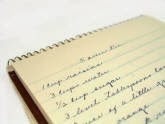
    Many of us have old recipe boxes that contain many many recipes that are written in the handwriting of someone from the past that we would like to preserve and include it our cookbook. 

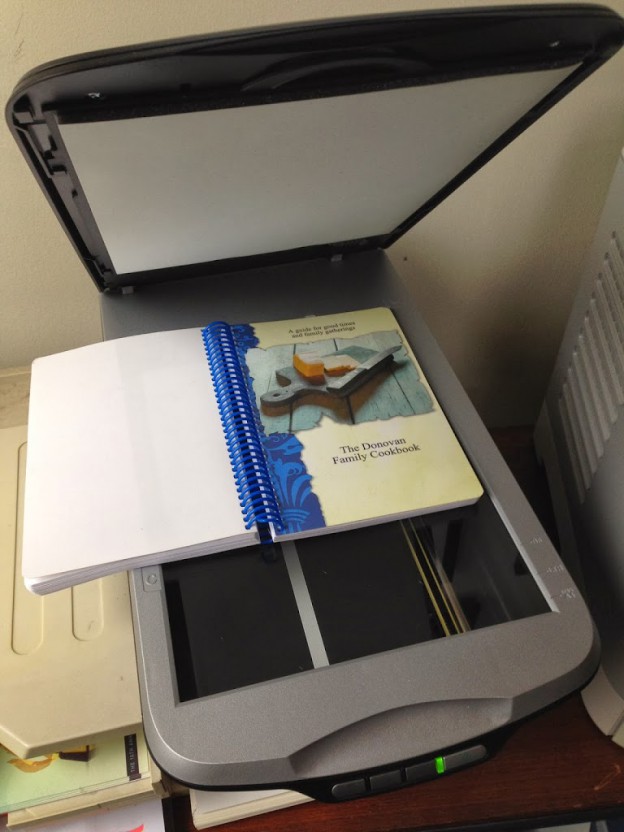
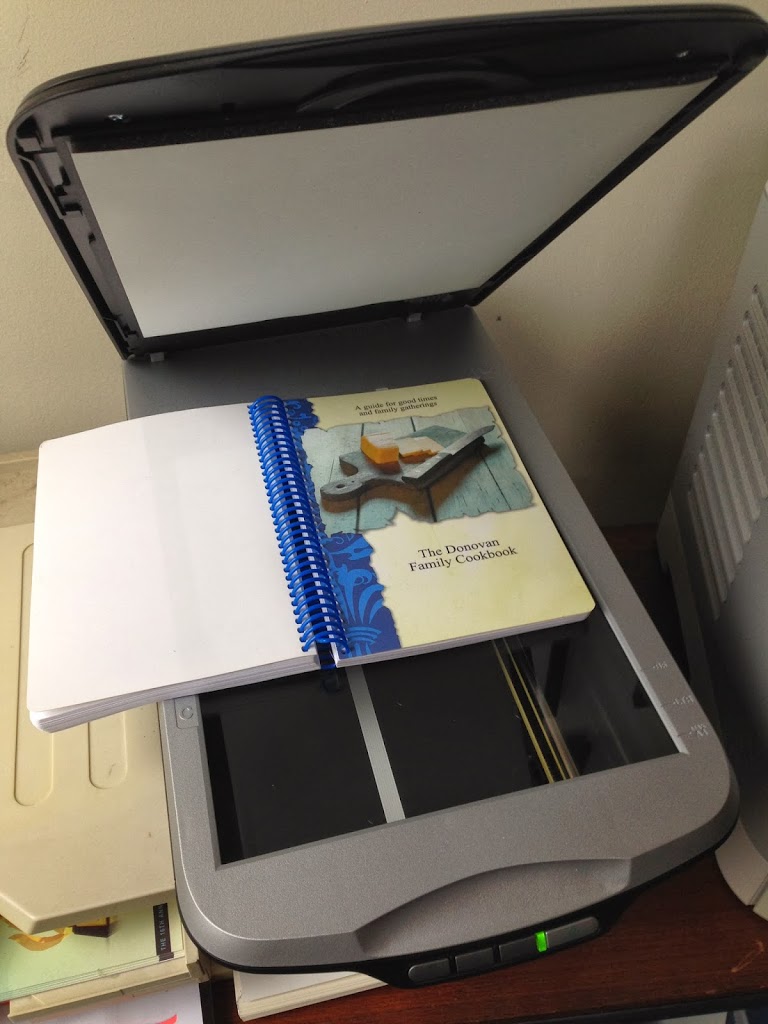
    At FamilyCookbookProject.com, you can scan a recipe, personal letter or other family treasure and include it in your cookbook very easily. Here’s how: First you need to scan the recipe card or find someone who can do this for you. Many people have home scanners that are very easy to use – or know someone who has one. 

    When scanning, make sure the scanner saves the image as a JPEG file (check the settings). If it saves it as a PDF, you will need to open the PDF and “save as” a JPEG. Another setting you need to check is the image quality. Usually 150 to 300 DPI (Dots per Inch) is high enough for including in your cookbook. 

    Scanning actually creates a photo image of your recipe card that we can import into your cookbook software. Now your scanned image can be simply placed into your cookbook as you would any other photo.  

    Collections of Scanned Recipes 

    Sometimes family cookbook editors was their entire cookbooks to be a collection of scanned recipes. While not impossible, this can be a lot of work for the editor. 

    The problem with scanned recipes is that the cookbook software system can not read the text in the image to create titles and indexes and other parts of the cookbook. The computer just sees them as photos. 

     So you have two options: 

    You can include the scanned images as photos attached to recipes that you have typed into the system. This way the original item is included above the typed version. I don’t know about you, but my mother’s cursive writing is not always the most easy thing to read (sorry mom) and recipe cards are often smudged with food from meals passed and not always easy to read. 

    The other option is to enter just the title of the recipe and it’s category and leave the rest of the fields on the “add a recipe” form blank. This will give you the title of the recipe and allow an index to be created. Next upload the scanned image of the recipe and it will appear with the recipe title.

    Bill Rice is Co-Publisher of the Great Family Cookbook Project, a website that helps families and individuals collect and share food memories. Follow us on Facebook and Pinterest!

  • Removing Blank Pages From Your Family Cookbook

    Removing Blank Pages From Your Family Cookbook

    One of the questions we get a lot as Cookbook Publishers is "how do I remove the blank pages in my cookbook?"  

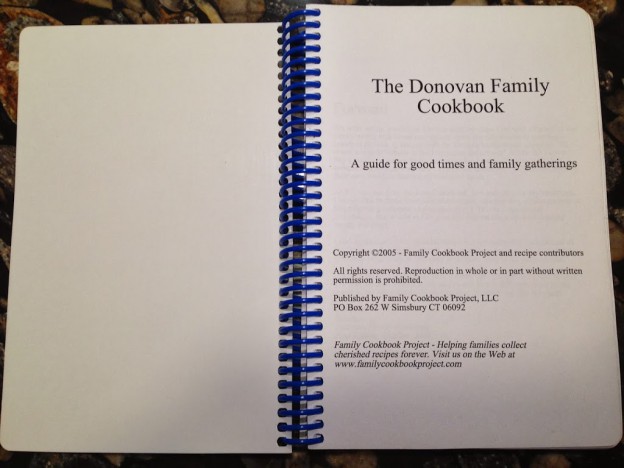
    It seems that when people preview their family cookbook on FamilyCookbookProject.com, they see the cover, then a blank page, then the title page, then another blank page, and so on. They want those blank pages eliminated to lower the cost of printing.

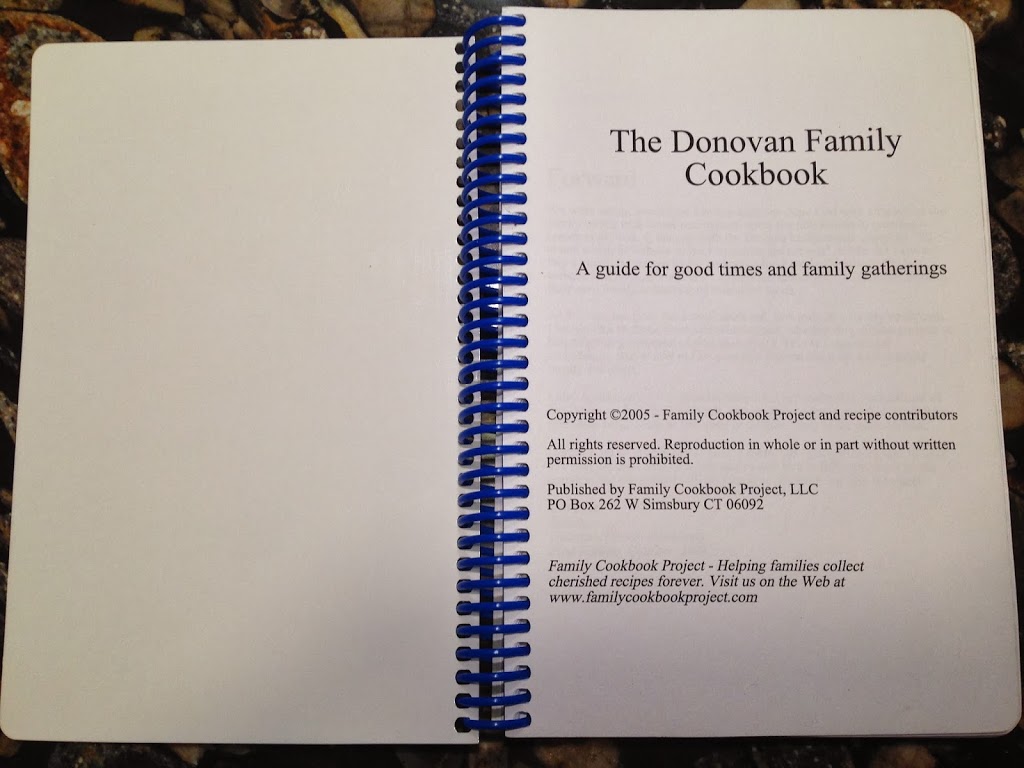
    In publishing, especially cookbook publishing, a cookbook needs to be laid out in a specific way in order for the most important pages to be on the right side when the book is opened. Think about it, Whenever you open a book, the title page is the first thing you see and it is always on the right page of a two page spread. Same goes for the Introduction, Table of Contents and the section dividers.

    On FamilyCookbookProject.com, if you create a preview cookbook PDF, you want to open it in your Adobe Reader program and select the option to view "Facing Pages" or "Double-up" (look under the View menu), you'll see how the pages back up to each other.

    Now with that said, there is no reason why those pages have to be blank. The inside front cover can have a family photo photo or bio of the cookbook editor. The same goes for other blank pages as well. If your introduction is one page and after it is a blank page, consider writing more, adding a photo or even making the text larger to fill up that extra space.

    One benefit form using FamilyCookbookProject.com is that we provide a complete set of handy kitchen information that can be used on the back of the recipe category dividers with the touch of a button.


    Bill Rice takes more than 20,000 photos a year and is Co-Publisher of the Great Family Cookbook Project, a website that helps families and individuals collect and share food memories. Follow us on Facebook and Pinterest!

     
  • Make your own eCookbooks

    Make your own eCookbooks


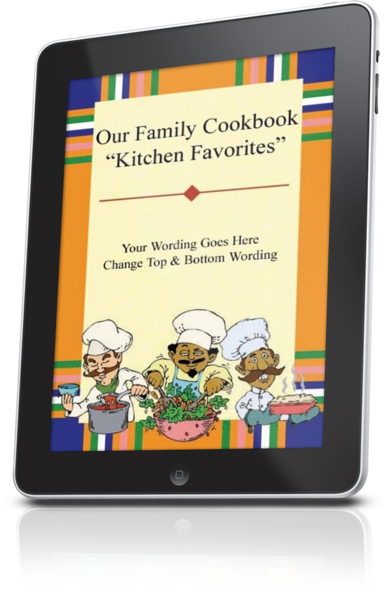
    iPad Cookbooks

    Family Cookbook Project makes it easy for you to access your personalized cookbook or custom family cookbook on an iPad, iPhone, Kindle, Nook or any other eReader. You can have a digital recipe book for your very own.
    This is available to everyone who wants to create a family cookbook and opens an account on www.FamilyCookbookProject.com. Creating cookbooks has never been easier using our online cookbook software.
    Once you have entered your recipes, selected a cookbook cover (or created your own using a cookbook cover template), added photos of the food or family members you will be ready to publish your cookbook.
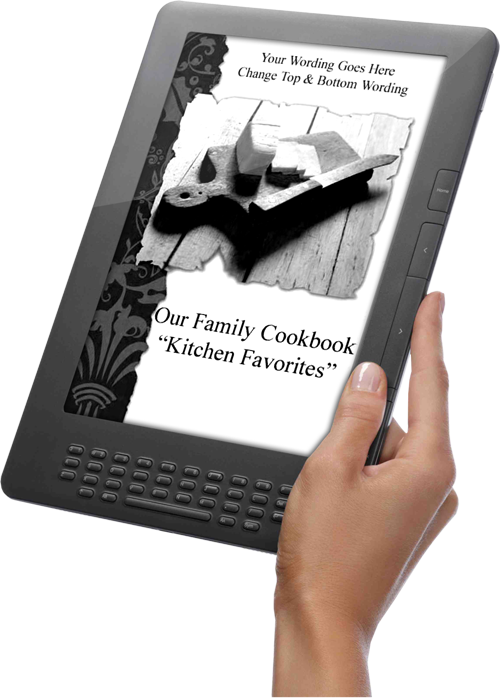
    Kindle Cookbook
    To create an eCookbook, simply create a high Resolution PDF of your cookbook and save the file to your computer. This file is designed to adapt to the screen size of any eReader you may use. Many people use PDFs on their Kindle or Nook eReaders.
    If you want to convert your PDF to the widely accepted ePub format used by most readers, you can simply go to a website like Online-Convert.comand upload your cookbook PDF. In seconds, they will convert the cookbook to ePub format at no additional cost.
    Family Cookbook Mobile App
    Family Cookbook App
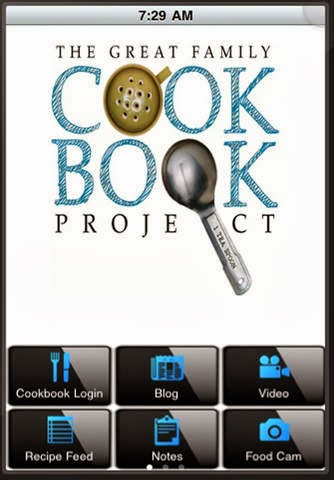
    Another way to access your family recipes on your mobile device is with the Family Cookbook Recipe App.
    The Family Cookbook Project online recipe box makes it easy for Family Cookbook Project users to browse and use their recipes in their mobile device. Tools include our blog at your fingertips, latest recipes from our recipe database, notes for in the kitchen, articles on how to create a recipe,  and cookbook making, a tip calculator and more! Users can enter their recipes at www.familycookbookproject.comand have access anywhere!
    The Family Cookbook Recipes was named the Best Publishing Mobile App in the Web Marketing Association’s 2013 MobileWebAward Competition.  
    Designed for use on the Apple iPhone or iPad, the free app can be downloaded at the iTunes App Store. 
    Designed for use on the Android mobile devices, the free app can be downloaded at the Google Play Store.

    Bill Rice is Co-Publisher of the Great Family Cookbook Project, a website that helps families and individuals collect and share food memories. Follow us on Facebook and Pinterest!

  • Valentine’s Day is for Lovers

    Valentine’s Day is for Lovers


    While the end of year holidays are a great time to give out your cookbooks, there are lots of fun events coming up that make for perfect gift giving.   Whether you’re creating a cookbook with our cookbook and recipe organizing software at FamilyCookbookProject.com or a fund raising project at CookbookFundraiser.com we make it easy and fun!

    Valentine’s Day is in a couple weeks. How about giving your family some food love! You’ll need to order in the next day or two to ensure delivery.

    Mother’s Day is coming quickly – May 12th – and it also is one of the best times to have your family cookbook published. Family cookbooks make a great Mother’s Day gift both for the mothers in our lives and even from a mother to her children.

    Wedding season is coming, too! How about a family & friends cookbook for a shower or bridal party gift?


    Featured recipe from the database

    The Great Family Cookbook Project has a huge amount of public recipes in the system thanks to you! If you need a fun recipe idea that’s not in your own cookbook, go to our home page and use the search function to see what’s available – lots of good eats!

    Here is a recipe we tried recently:

    Valentine Truffles

    This recipe for Valentine Truffles, by Susan Aitken, is from The Aitken Family Cookbook Project. Search for more great recipes here from over 500,000 in our family cookbooks!


    Ingredients:

    1 1/2 lb semisweet chocolate
    3 lbs unsalted butter
    1 1/2 c. heavy ream
    3 tbsp. coffee liquor or vanilla
    dark chocolate and/ or rolling powders as needed


    Directions:

    Cut the semisweet chocolate and butter into the smallest pieces you can manage. Place them in a large stainless-steel bowl. In a small saucepan, bring cream to boil, stirring to avoid burning. Remove from heat and pour over chocolate and butter. Stir until they melt. If they do not quite melt, place 1 inch of water in a frying pan, bring to a boil turn burner off, and place the chocolate bowl in the pan, being careful not to wet the chocolate. Stir until melted. When chocolate is melted whisk in the vanilla. Pour chocolate mixture into a shallow pan, and chill until firm enough to shape. Using hands and a spoon or a melon baller; shape chocolate into small balls. This process may get messy and chocolate tends to melt. Sprinkle hands with cocoa powder or confectioner’s sugar to minimize mess. when balls are shaped, roll some in cocoa powder or in a sifted mixture of instant coffee and confectioner’s sugar and set aside. Pace remaining balls on a butter surface in the freezer to firm for dipping. When balls have firmed, prepare dark chocolate by melting a small amount in the microwave or a double boiler. Dip each ball in chocolate. To be extra festive, melt a bit of white chocolate as well and decorate the tops of the coated truffles.


    Number Of Servings:

    60 truffles


    Chip Lowell is Co-Publisher of the Great Family Cookbook Project, a website that helps families and individuals collect and share food memories. Follow us on Facebook and Pinterest!

  • Judging a Cookbook By It’s Cover

    Judging a Cookbook By It’s Cover

    Let’s be honest, most of us do judge a book by it’s cover, at least initially. If two cookbooks are side by side, the one you are more likely to pick up is the one that looks more like a cookbook you would like to read.

    For almost 10 years, FamilyCookbookProject.com has been helping individuals and families create personal cookbooks that reflect their own personality.

    From the thousands of cookbooks we have printed for people this year, we looked at which ones were the most popular.

    Here is what we found:

    A Custom Cookbook Cover

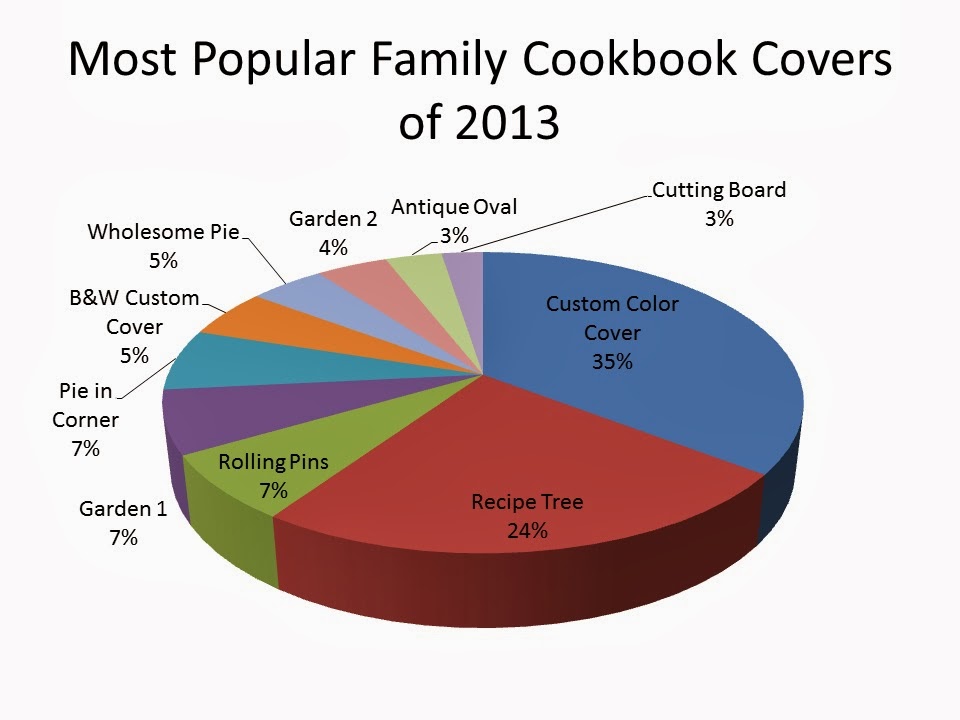
    It is no surprise that the Custom Color Cover option was the number one most popular cover option. With the advances in desktop publishing and our easy to use guidelines. Creating a custom cookbook cover is a snap. Unlike many other cookbook publishers, we also do not charge extra for a custom cover. When combined with the B&W option, custom cookbook covers accounted for 40 percent of all covers printed in 2013.

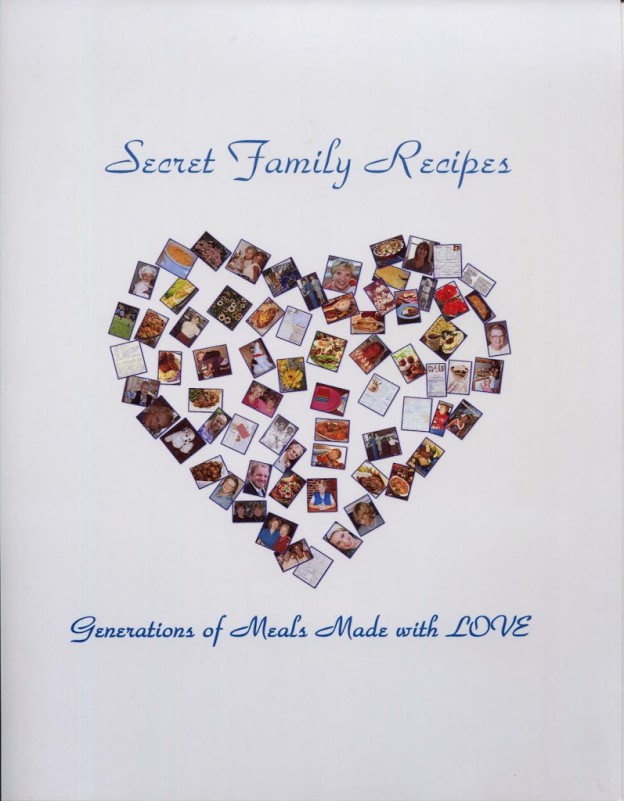
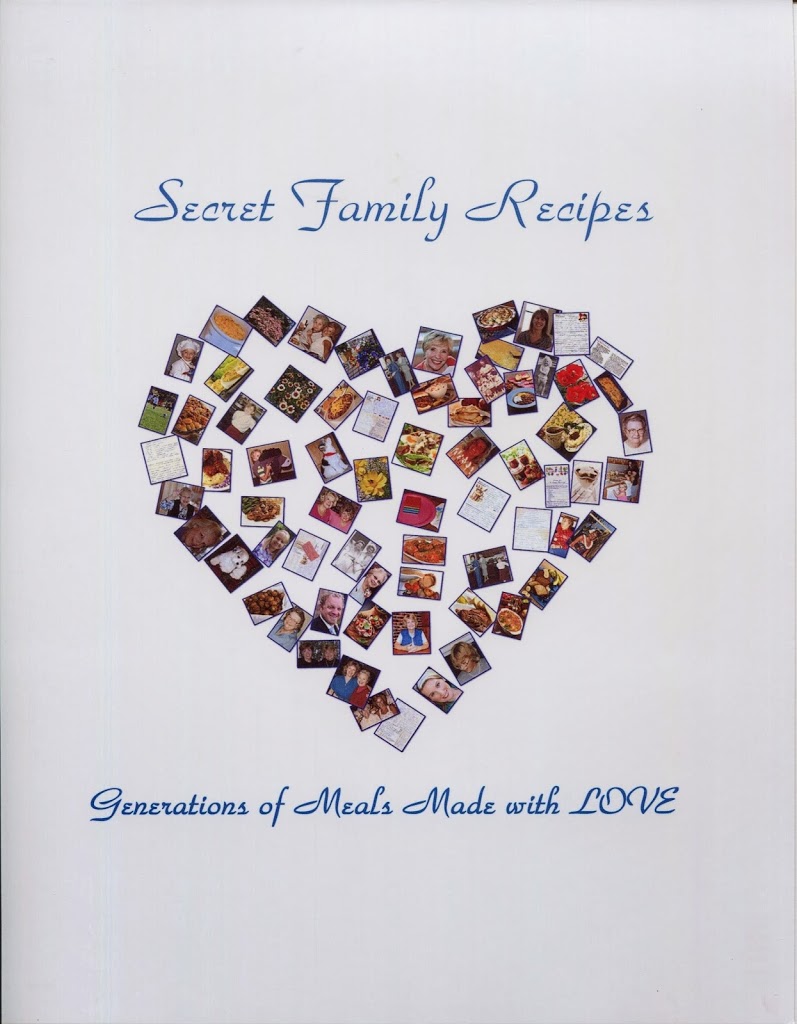
    To the right is an  example of a simple custom cookbook cover created for one of our family cookbooks. It uses a collage of photos run through a software program to arraign them into a shape. A personalized title and subtitle complete the cover elements to bring together the pages of a lasting memory.

    The Great Family Cookbook Project also maintains a growing library of free cookbook cover options for their editors to choose from.

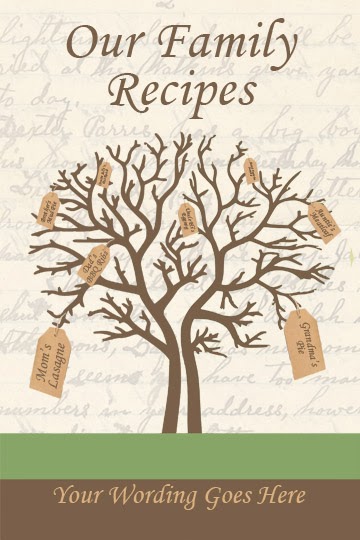
    Recipe Tree Cookbook Cover

    From the cookbook covers offered on our website, Recipe Tree was be far the most popular, beating the next most popular cookbook cover by more than a 3 to 1 margin.

    Almost a quarter of the cookbooks published with Family Cookbook Project in 2013 selected Recipe Tree as their cover. Many people choose this cover because of it’s tie to the concept of a family tree.

    The remaining covers in the top 10 most popular cookbook covers of 2013 are more closely related.

    Seven percent of cookbook editors selected either Rolling Pins, Garden #1 or Pie in Corner as their cookbook cover.

    Five percent selected either a Black and White Custom cover, or Wholesome Pie cookbook cover.

    Garden #2, Antique Oval and Cutting Board round out our top 10 for 2013.

    To see all of the free cookbook covers options offered by Family Cookbook Project, check out the Cookbook Cover Library.

    Bill Rice is Co-Publisher of the Great Family Cookbook Project, a website that helps families and individuals collect and share food memories. Follow us on Facebook and Pinterest!

  • Family Cookbook Project Introduces Three New Cookbook Cover Template Options

    Family Cookbook Project Introduces Three New Cookbook Cover Template Options

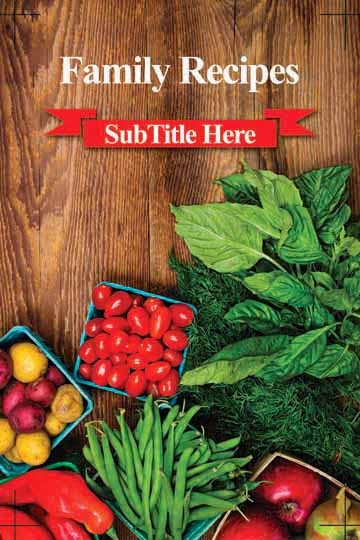
    Farm to Table

    The Great Family Cookbook Project is please to announce that three new cookbook covers have been added to the options available for  editors to select when they create their own personalized family cookbooks.These covers are now available for cookbook editors using FamilyCookbookProject.com to create personalized cookbooks for their personal or family recipes. These cookbook covers will also be available to for editors creating fundraising cookbooks on CookbookFundraiser.com

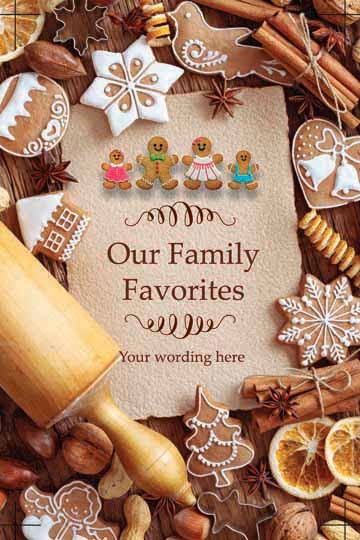
    Holiday Baking

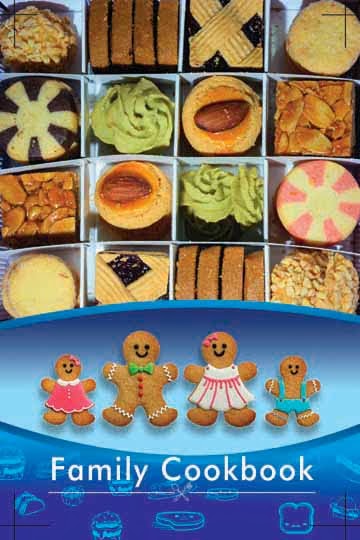
    These new cookbook covers, Farm to Table, Holiday Baking and Gingerbread Family join 21 other cookbook cover options that make it easy to create a personalized cookbook. The covers feature professionally designed graphics and text that can be personalized with actual title of the cookbook.

    Gingerbread Family

    Additional new cookbook cover options are in the works and will be released in the coming months.